
Botree DMS
Streamline distribution and boost primary sales efficiency.

Botree FlexiDMS
Access secondary data seamlessly without daily disruption.

Botree MyDMS
Empower distributors and accelerate rurban market growth.

Botree SFA
Boost sales productivity and ensure in-store excellence.

Botree Retailer App
Enhance retailer engagement with modern mobile app.

Botree AI
Make smarter decisions with granular insightful dashboards.


Christina Evangelin Ebinezer
Marketing AssociateUpdated on November 13, 2025



Sales execution flourishes when accuracy, flexibility, and timely insights are at the core. Yet, for many organizations, this vision is disrupted by tangled customer records, inflexible data entry, and limited access to up-to-date stock and performance information. Issues like duplicate PAN and Aadhar numbers, outdated drug license details, and insufficient outlet-level tracking don’t just clutter databases, they slow down approvals, increase compliance risks, and force sales teams into time-consuming manual checks.
Without intelligent nudges or real-time reporting, frontline teams are left without clear direction, making it harder to achieve targets, maintain compliance, or stay motivated in the field.
These challenges don’t just eat up time, they stall progress and hold back growth.
But what if your field force could operate with real-time clarity, smarter data validation, and actionable performance insights?
With the latest Botree SFA enhancements, teams benefit from streamlined data validation, real-time stock visibility, and smarter performance tracking. These improvements drive operational clarity, boost compliance, and empower sales teams to focus on what matters most delivering results and growing the business.
In field sales, accurate customer data is important not just for smooth onboarding but also for compliance and reporting. However, earlier SFA did not have any validation in place to check for duplicate PAN or Aadhar numbers during retailer creation. This created the risk of duplicate customer records being added, leading to inconsistent data, manual cleanups, and compliance concerns.
To overcome this challenge, a new update has been introduced that validates PAN and Aadhar entries at the time of creation. By checking against existing records and alerting users of any duplicates, the system ensures clean customer data right from the start—strengthening master data quality and reducing manual verification effort.
In sales operations, visibility into historical stock data plays a vital role in improving outlet-level engagement and decision-making. However, earlier, there was no option in SFA to view previous closing stock entries. This lack of access made it difficult for sales teams to validate inventory or compare current stock with past trends during outlet visits—impacting the quality of conversations and decision-making on the ground.
To overcome this challenge, a new update has been introduced where salespersons can view past closing stock data directly within SFA. This added visibility helps them make more informed decisions at the outlet, improving stock validation, enhancing in-store execution, and supporting stronger order planning.
In regulated sales operations, the ability to manage multiple drug licenses per outlet is critical for ensuring compliance and operational flexibility. However, earlier, users such as DSRs, MDSRs, and Supervisors were limited to uploading only a fixed number of Drug License (DL) numbers in SFA. This restriction made it difficult for companies to accommodate varying licensing needs across outlets and sub-distributors, leading to delays, manual workarounds, and inconsistent records.
To address this, a new update now enables users to upload multiple DL numbers as per business requirements—making license management more efficient, scalable, and aligned with real-world needs.
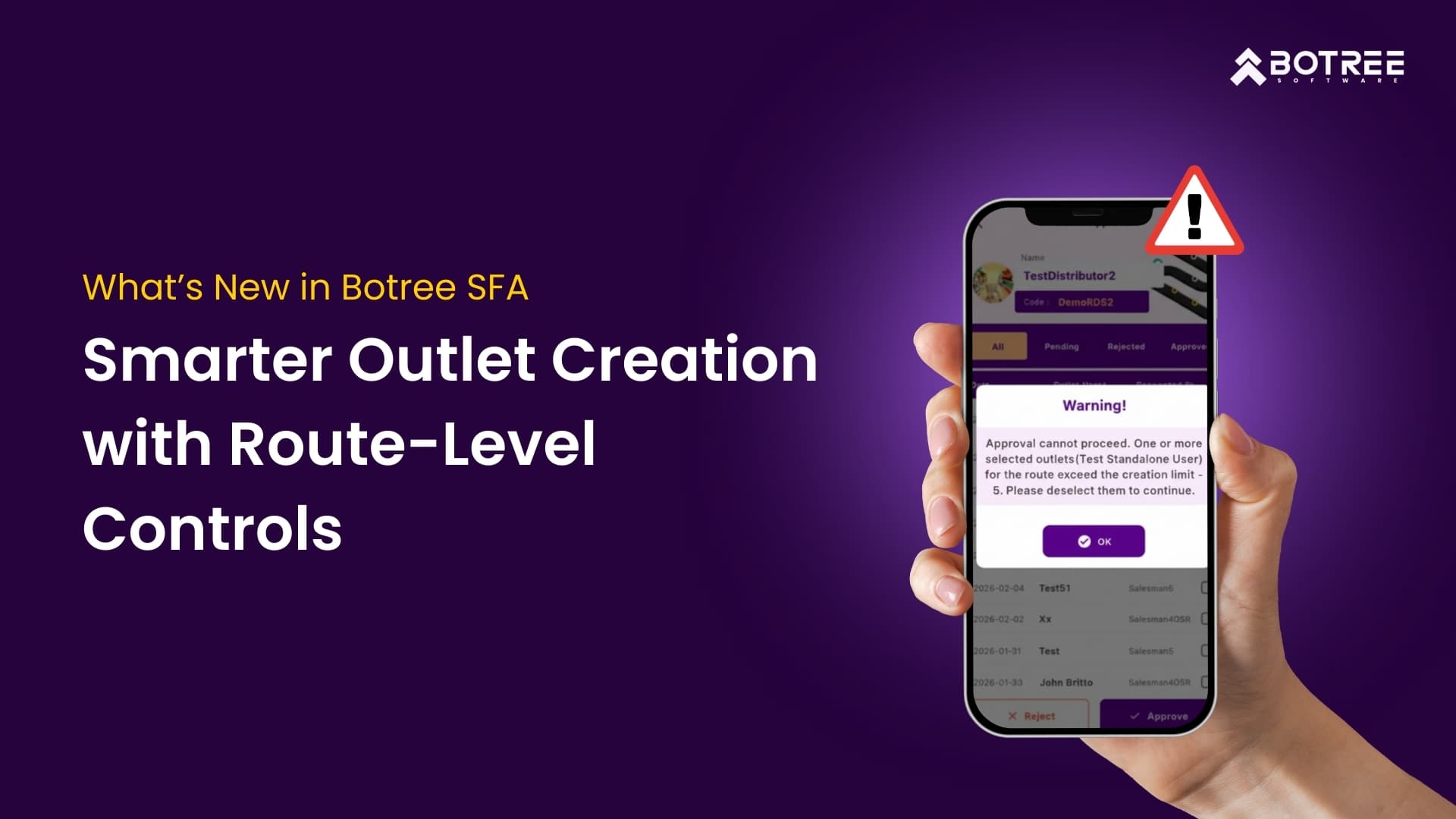
Tracking sales targets effectively at the Route level is essential for driving focused execution and achieving business goals. Until now, the absence of this capability made it difficult for users to monitor performance against targets across different products and brands in a clear, organized way. Without this insight, sales teams struggled to measure progress accurately and respond proactively.
To overcome these challenges, a new update introduces comprehensive Route-level target tracking within the SFA. This feature provides users with a consolidated view of targets and achievements by route and product hierarchy, empowering teams to plan smarter, execute better, and boost overall performance.
otivating and guiding sales teams effectively requires timely and relevant nudges across key performance areas. However, previously, nudges in the system were limited to just a few parameters like salesman login, attendance, and leave approvals. This narrow focus restricted the ability to provide broader, data-driven prompts that could boost sales performance and engagement in the field.
To overcome these limitations, we have enhanced the nudge feature to cover multiple KPIs, enabling more proactive and targeted support that keeps salespersons motivated and aligned with their goals throughout their daily activities.
Unlock your sales team’s true potential with Botree’s latest SFA innovations. Harness real-time data, smart validations, and proactive nudges to drive smarter decisions, ensure compliance, and surpass targets every day. This isn’t just an update — it’s a transformation that turns routine sales hurdles into powerful growth opportunities. Step confidently into the future of sales execution with Botree and watch your business accelerate like never before.

Marketing Associate
Meet Christina Evangelin Ebinezer, our dynamic marketing associate at Botree Software. With a background in HR and marketing, and prior experience as a content writer, Christina brings a sharp eye for storytelling and a knack for crafting engaging blogs and marketing content. She’s passionate about turning ideas into words that drive impact. Outside of work, Christina finds joy behind the piano keys or the wheel—whether she’s playing a soulful tune or cruising down open roads.


Stay updated with the latest trends and insights.